Color and Contrast Check Without a False Certification
Text, controls, states and focus indicators should remain distinguishable in normal and high-contrast conditions.
This task records scoped evidence. It is not accessibility certification, legal advice or a universal result.
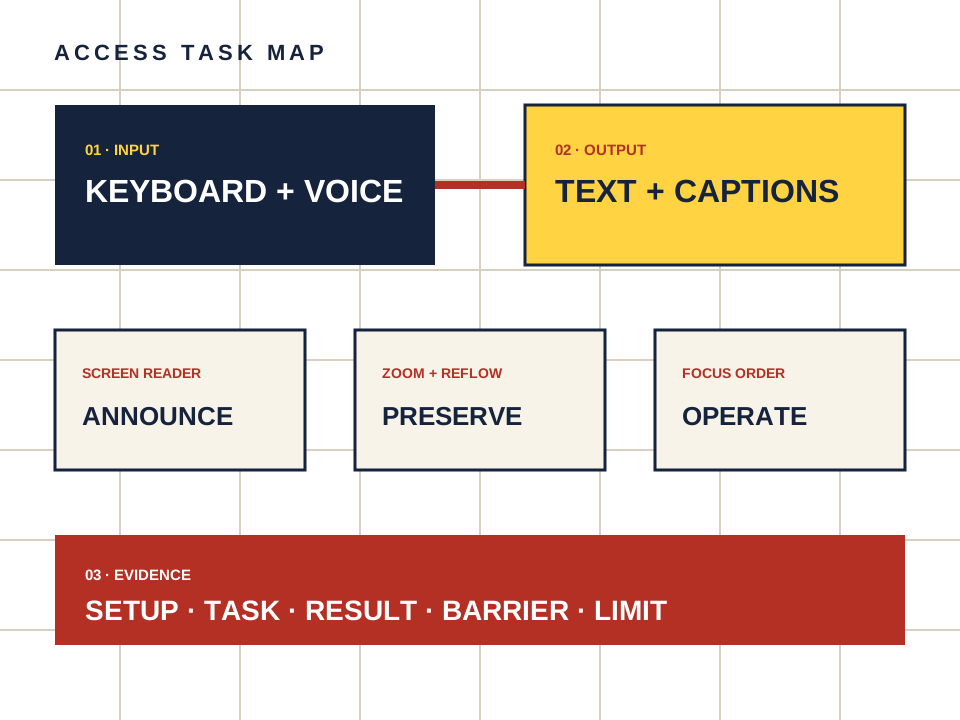
What this page owns
Check readable contrast without treating automated scores as certification.
Begin with the named task and preserve the setup. Do not turn a product statement, automated scan or reachable page into proof that a person can complete the task.
Four steps, one documented result
- 01
Inspect body text, links, button labels, errors and disabled states.
- 02
Use a contrast tool for a small documented sample.
- 03
Turn on a system high-contrast or increased-contrast preference where available.
- 04
Confirm that meaning is not carried by color alone.
Make the observation reproducible
- Setup
- Device, operating system, browser, input method and assistive technology.
- Task
- Starting point, action and expected outcome in plain language.
- Result
- Pass, barrier observed or not checked — never a guessed score.
- Limit
- Automated contrast numbers cover only sampled color pairs. They do not establish whole-site conformance.
Keep the route separate from the evidence.
Candy AI is one adult companion service discussed here. The link below may earn us a commission. It does not change the method or create an accessibility endorsement.
Open Candy AI — sponsored