Keyboard-Only Check Without a Mouse
Core tasks should be reachable, visible and operable with standard keyboard commands alone.
This task records scoped evidence. It is not accessibility certification, legal advice or a universal result.
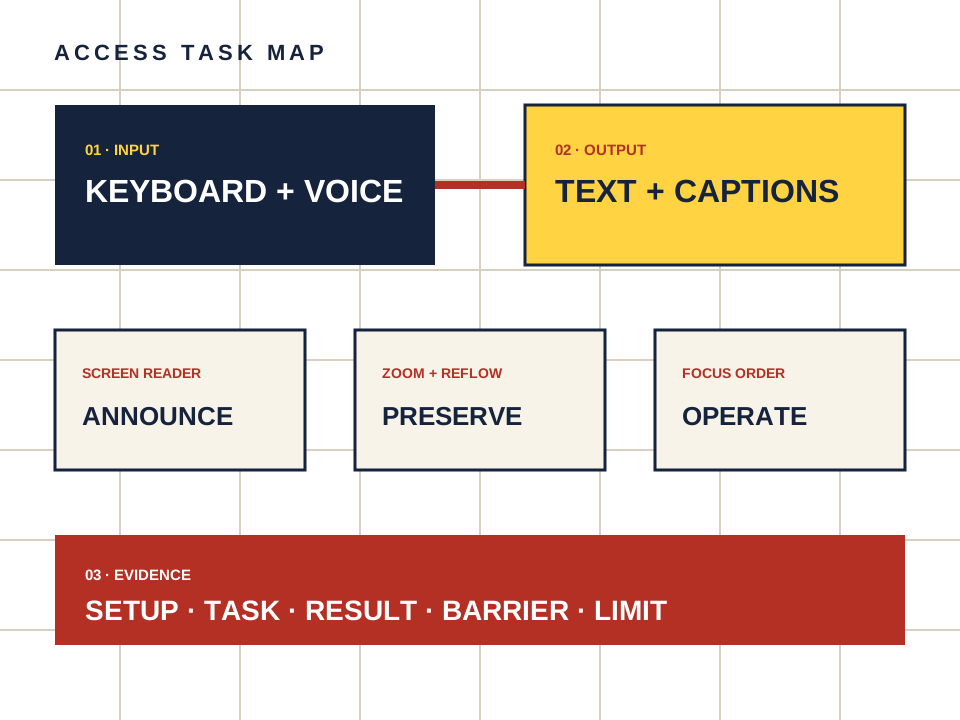
What this page owns
Complete core companion tasks without a mouse or touch gesture.
Begin with the named task and preserve the setup. Do not turn a product statement, automated scan or reachable page into proof that a person can complete the task.
Four steps, one documented result
- 01
Start at the browser address bar and move through the page in order.
- 02
Open the age gate, navigation, chat field and account controls without pointer input.
- 03
Confirm there is no keyboard trap in menus, dialogs or media controls.
- 04
Reverse direction and verify that focus remains visible.
Make the observation reproducible
- Setup
- Device, operating system, browser, input method and assistive technology.
- Task
- Starting point, action and expected outcome in plain language.
- Result
- Pass, barrier observed or not checked — never a guessed score.
- Limit
- Voice input is not a substitute for keyboard access. Keep any unsupported gesture or pointer-only action visible in the result.
Keep the route separate from the evidence.
Candy AI is one adult companion service discussed here. The link below may earn us a commission. It does not change the method or create an accessibility endorsement.
Open Candy AI — sponsored