Live Message Announcement Check
New replies should be announced at the right time without interrupting typing or repeatedly reading the full transcript.
This task records scoped evidence. It is not accessibility certification, legal advice or a universal result.
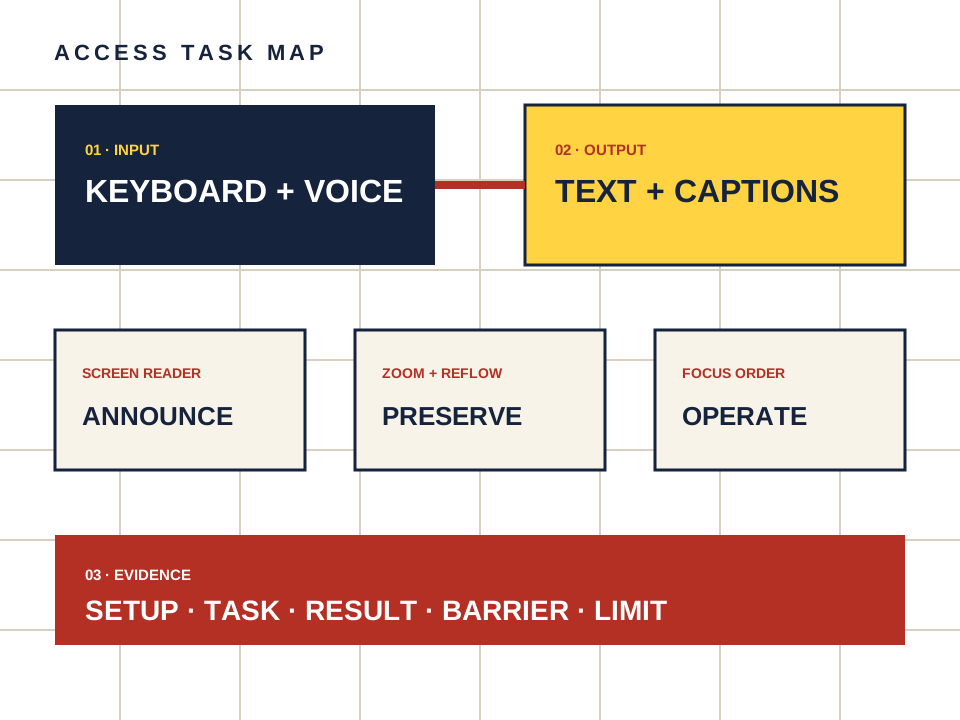
What this page owns
Check whether new companion messages are announced without stealing focus.
Begin with the named task and preserve the setup. Do not turn a product statement, automated scan or reachable page into proof that a person can complete the task.
Four steps, one documented result
- 01
Place focus in the message field and submit a short fictional request.
- 02
Listen for status, loading and completed-reply announcements.
- 03
Check that partial streaming does not create unusable repetition.
- 04
Confirm the reply can still be found in the transcript after the announcement.
Make the observation reproducible
- Setup
- Device, operating system, browser, input method and assistive technology.
- Task
- Starting point, action and expected outcome in plain language.
- Result
- Pass, barrier observed or not checked — never a guessed score.
- Limit
- The test documents one announcement pattern. It does not certify compatibility across every browser and assistive technology.
Keep the route separate from the evidence.
Candy AI is one adult companion service discussed here. The link below may earn us a commission. It does not change the method or create an accessibility endorsement.
Open Candy AI — sponsored