Motion, Animation and Reduced-Motion Check
Moving companion media and transitions should not block reading or ignore a reduced-motion preference.
This task records scoped evidence. It is not accessibility certification, legal advice or a universal result.
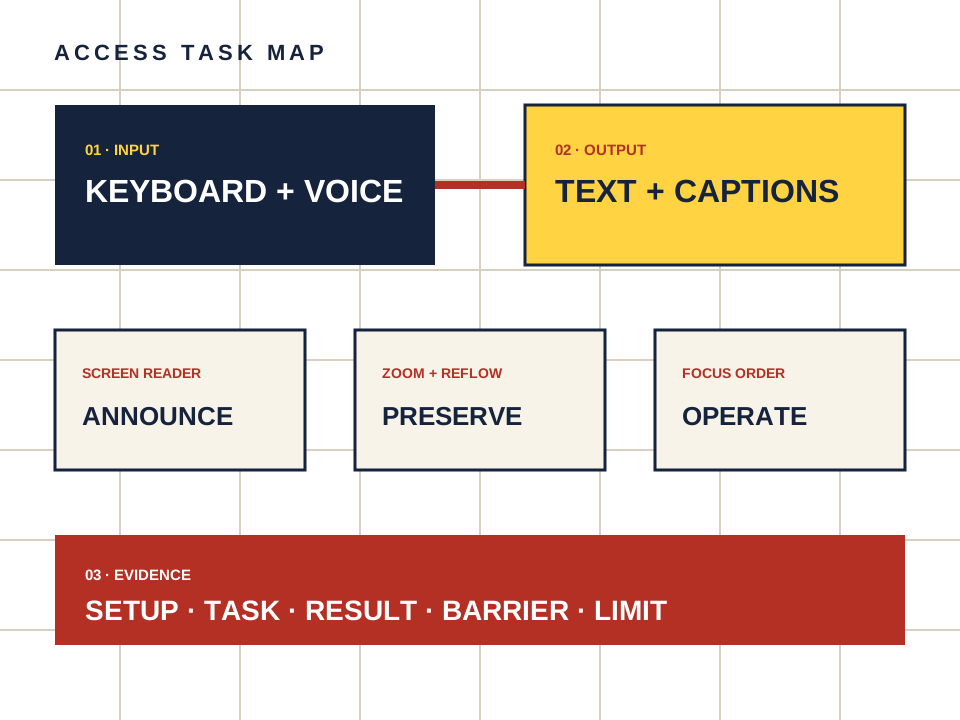
What this page owns
Check whether animated companion media and transitions can be paused or reduced.
Begin with the named task and preserve the setup. Do not turn a product statement, automated scan or reachable page into proof that a person can complete the task.
Four steps, one documented result
- 01
Enable the operating system reduced-motion setting.
- 02
Open pages with hero art, loading states and generated media controls.
- 03
Check whether nonessential motion stops or becomes simpler.
- 04
Find pause, stop or hide controls for movement that continues.
Make the observation reproducible
- Setup
- Device, operating system, browser, input method and assistive technology.
- Task
- Starting point, action and expected outcome in plain language.
- Result
- Pass, barrier observed or not checked — never a guessed score.
- Limit
- Record what was observed on the named device. Do not infer seizure safety or medical suitability.
Keep the route separate from the evidence.
Candy AI is one adult companion service discussed here. The link below may earn us a commission. It does not change the method or create an accessibility endorsement.
Open Candy AI — sponsored