Zoom, Reflow and Text Resize Check
People should be able to enlarge text and content without losing controls or being forced into two-direction scrolling for ordinary reading.
This task records scoped evidence. It is not accessibility certification, legal advice or a universal result.
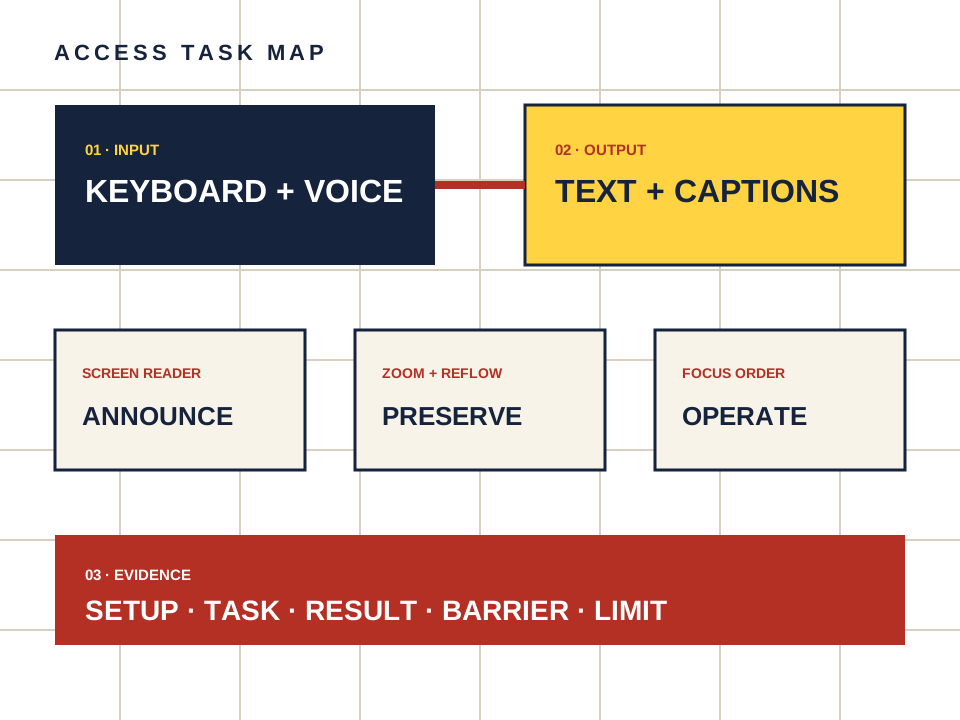
What this page owns
Check companion reading and controls at enlarged text and browser zoom.
Begin with the named task and preserve the setup. Do not turn a product statement, automated scan or reachable page into proof that a person can complete the task.
Four steps, one documented result
- 01
Increase browser zoom and text size using built-in controls.
- 02
Read the header, chat transcript, source cards and call-to-action.
- 03
Check whether fixed panels cover focused controls or text.
- 04
Repeat at a narrow mobile-sized viewport and note any loss of function.
Make the observation reproducible
- Setup
- Device, operating system, browser, input method and assistive technology.
- Task
- Starting point, action and expected outcome in plain language.
- Result
- Pass, barrier observed or not checked — never a guessed score.
- Limit
- A responsive screenshot is not evidence that all content reflows. Complete the named reading and action tasks.
Keep the route separate from the evidence.
Candy AI is one adult companion service discussed here. The link below may earn us a commission. It does not change the method or create an accessibility endorsement.
Open Candy AI — sponsored